 Carvomi
Connect in the car
You only do this once. After that, it connects by itself when you get in.
-
Turn on your phone’s hotspot
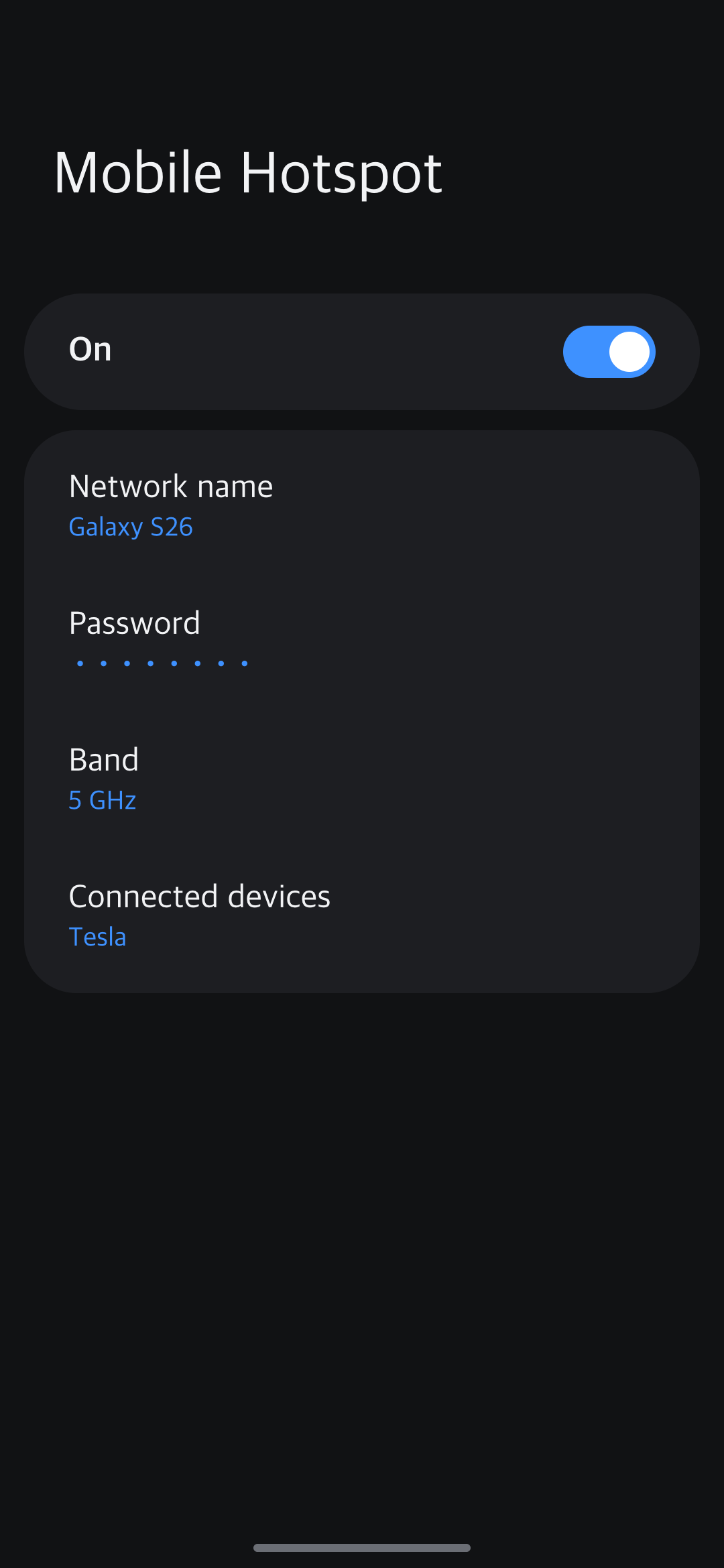
Phone Settings → Connections → Mobile Hotspot, and turn it on. A hotspot is a small Wi-Fi network your phone makes. Pick 5 GHz for a smoother picture.
-
Connect the car to the hotspot
On the car screen, open Settings → Wi-Fi and pick your phone’s hotspot. The password is shown on the phone’s hotspot screen.
-
Open
car.carvomi.comin the car’s browserType
car.carvomi.cominto the car browser’s address bar. The car screen shows a 4-digit number.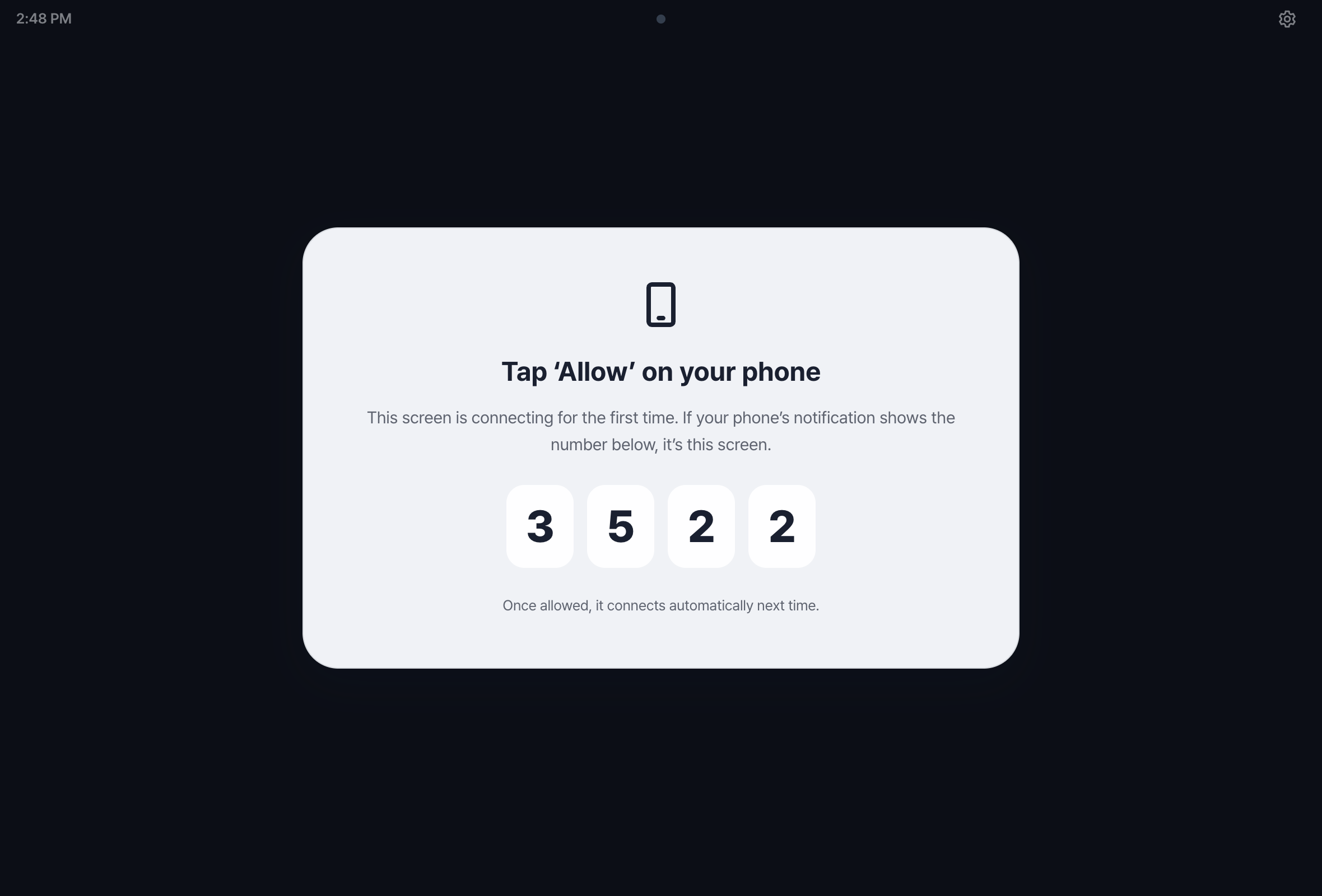
-
Tap Allow on your phone
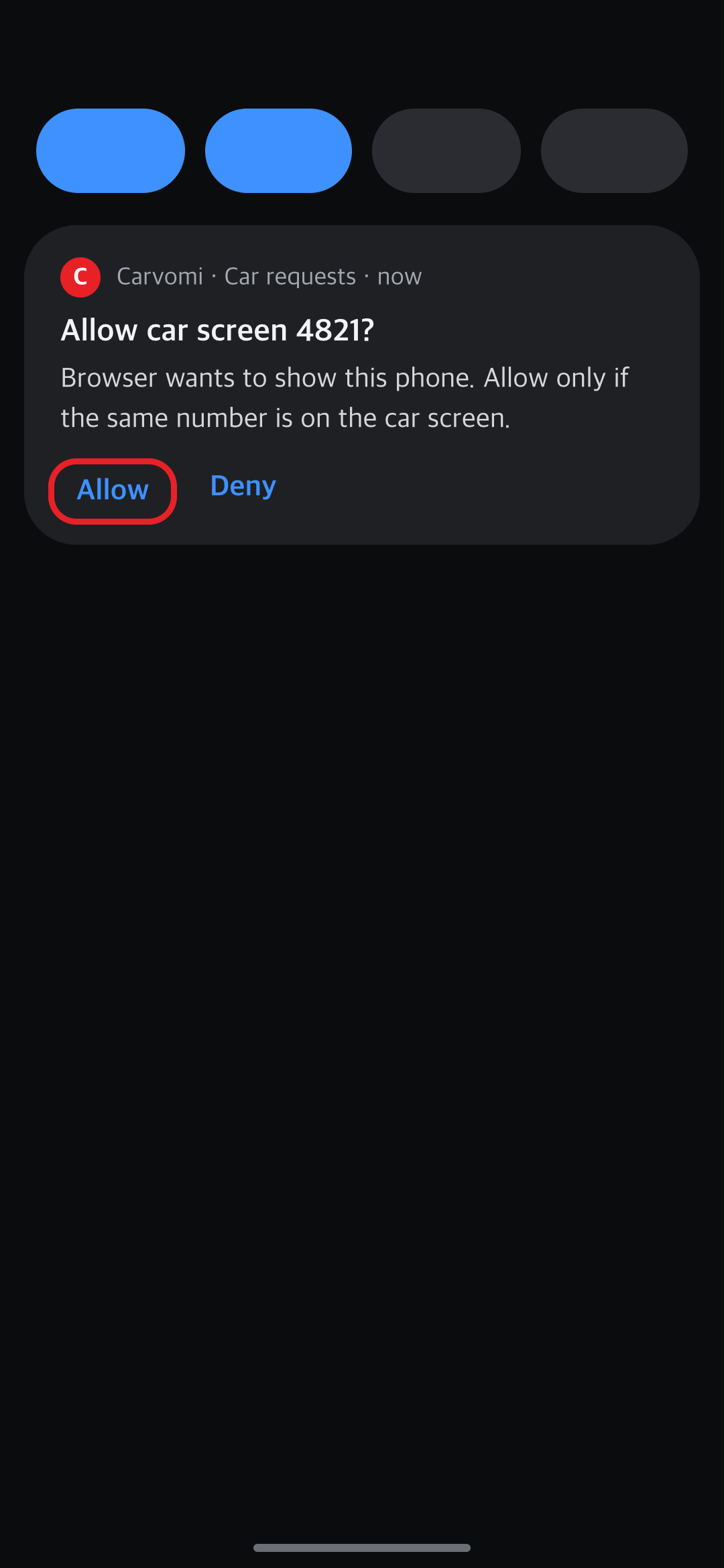
Your phone gets a notification with a 4-digit number. Tap Allow only if it matches the number on the car screen.
-
Bookmark the page
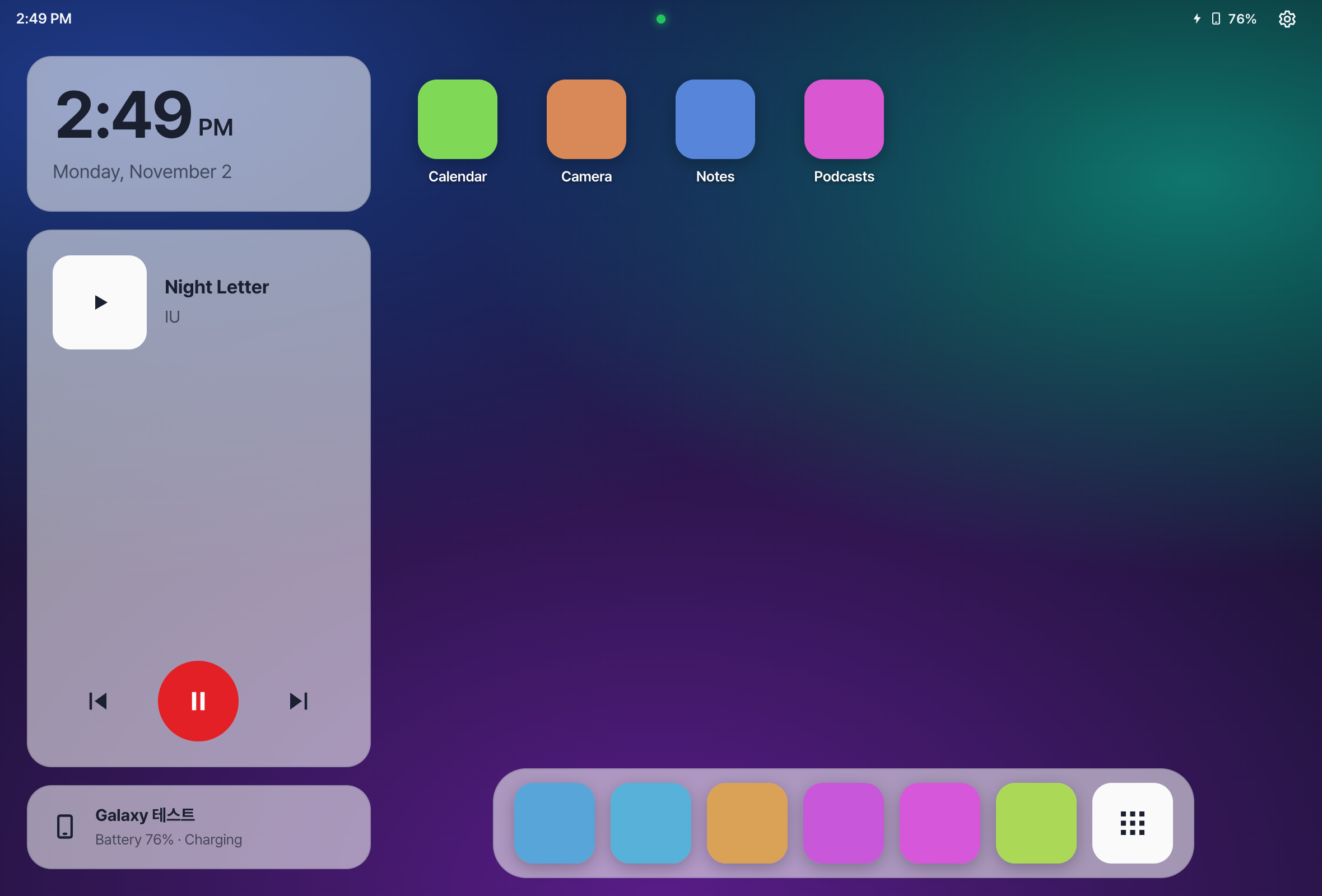
When you see “Connected!”, bookmark this address in the car’s browser. Next time, just tap the bookmark.
💡 Once you allow a car, it connects right away next time — no number to check. You can remove allowed cars in the app: Settings → “Approved car screens”.
Still stuck? Email carvomi@gmail.com with your diagnostic code (DX-…).